
Help › Getting started
Create your account and log in
Sign up, verify your email and find your way around the dashboard.
Nezler Connect puts your WhatsApp Business number on a shared screen for your whole team. You can reply to customers, send offers to many people at once, and set up automatic replies, all from your computer or phone.
Create your account
- Open wa.nezlertech.com and click Start free trial.
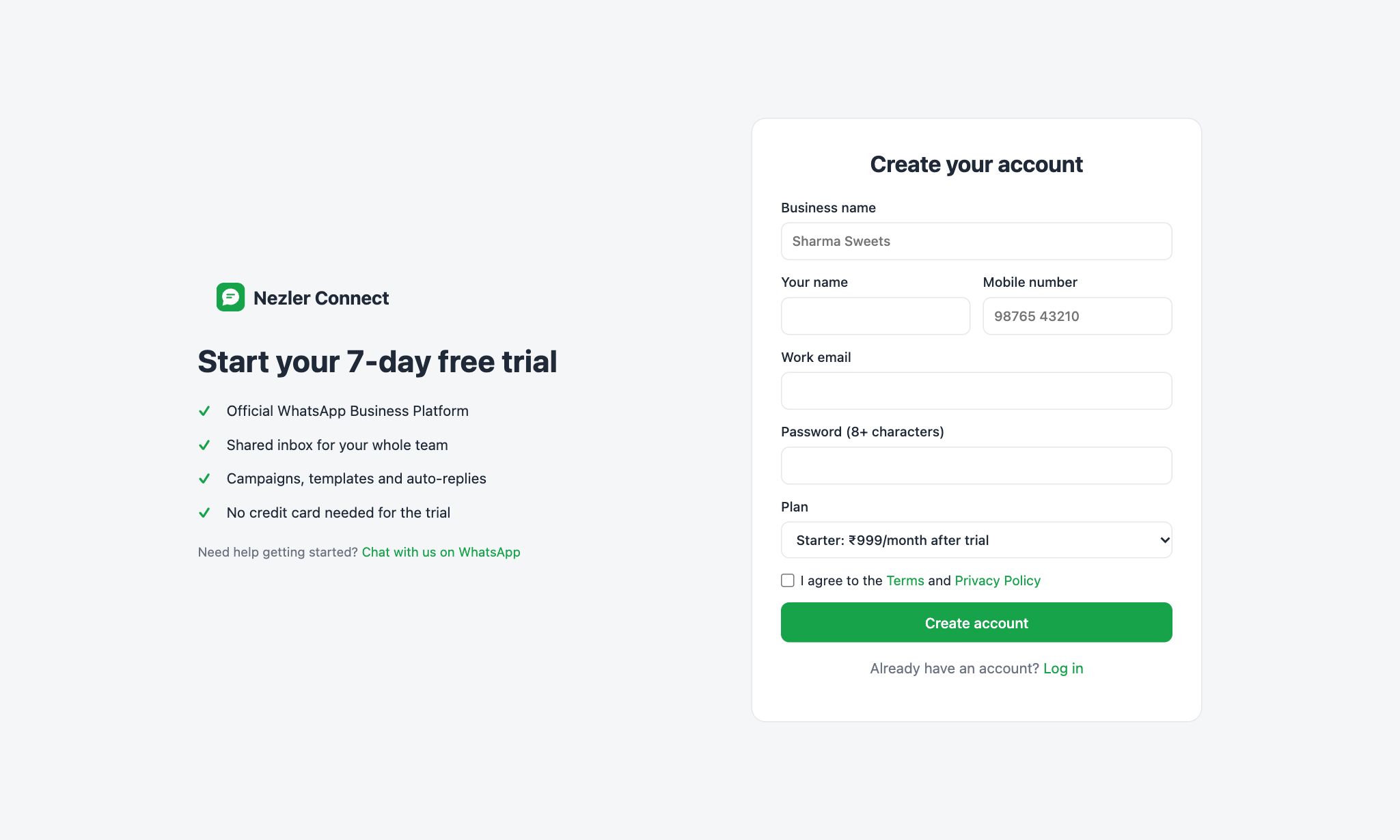
- Fill in your business name, your name, mobile number, work email and a password of at least 8 characters.
- Choose a plan. You can try any plan free during the trial.
- Tick I agree to the Terms and Privacy Policy and click Create account.
- We send you an email with a link. Click it to confirm your email address. Until you do, a reminder bar shows at the top of the screen, and you can click Resend email if it didn't arrive. Check your spam folder too.
Tip If your business was set up by the Nezler team, you don't need to sign up. You'll receive your login details from us instead.
Log in
Go to wa.nezlertech.com/login, enter your email and password, and click Log in. Forgot your password? Click Forgot password? and we'll email you a reset link.

Your dashboard
After logging in you land on the dashboard. It shows how your WhatsApp is doing at a glance:
- Contacts: everyone saved in your account.
- Open chats and Unread: conversations waiting for a reply.
- Sent and Received: messages in the last 30 days.
- Plan usage this month: messages used out of your plan's monthly limit.
- Messages, last 14 days: a daily chart of sent (green) and received (blue) messages.
- Recent campaigns: your latest bulk messages and how many were read.

The menu on the left takes you everywhere else. On a phone, the menu moves to a bar at the bottom of the screen, and More opens the rest.
What to do first
- Connect your WhatsApp number (skip this if the Nezler team did it for you).
- Add or import your contacts.
- Create your first template and wait for Meta's approval.
- Invite your team.
- Turn on a welcome message so no customer waits.